
Just Updated
- 1 Click "START RANDOM GAME" functionality!
- Works extremely well with Battle Royale games!
- CPUCores fully supports VR-based games!
- Fully supports Steam-based games as well as non-Steam games and applications!
About the Software
 CPUCores ADVANCED is a cutting-edge Windows-based software built--by gamers, for gamers--with one thing in mind: MAXIMIZE YOUR FPS! CPUCores ADVANCED does this better than ever before by micromanaging your Windows OS and non-essential applications to deliver maximum CPU to your game!
1) DIRECT STEAM INTEGRATION
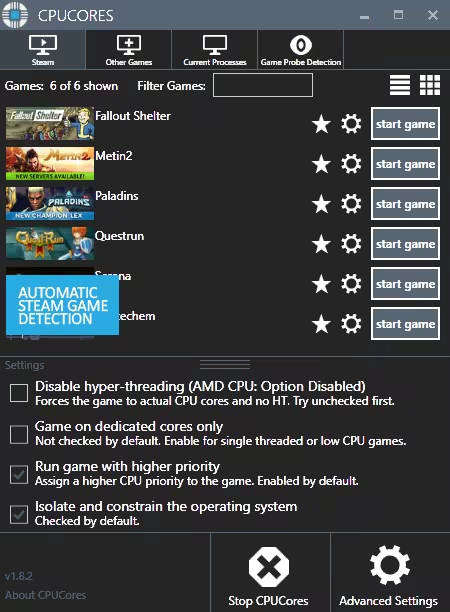
CPUCores automatically detect all of your Steam games.
2) OS OPTIMIZATION
To start, CPUCores will isolate your entire OS to your first core.
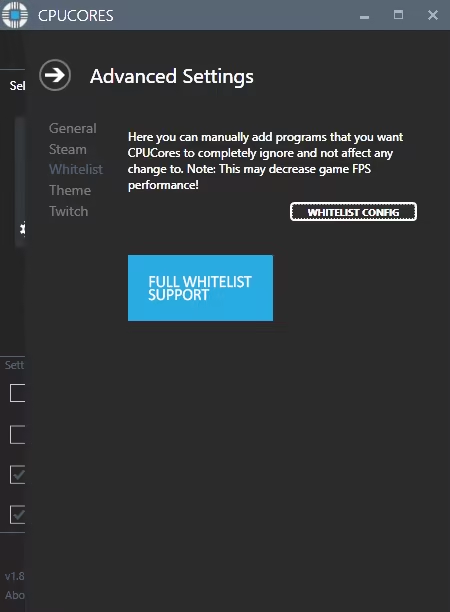
Secondly, CPUCores examines and constrains key Windows services that are not essential and known to hog CPU resources.
Third, CPUCores examines and isolate key Windows processes to ensure a perfect balance of CPU savings without starving key Windows processes.
3) GAME OPTIMIZATION
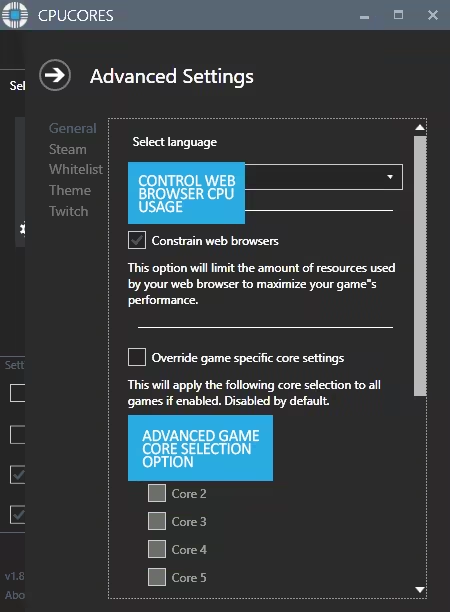
CPUCores will isolate and dedicate processing cores to be exclusively used by your game.
CPUCores will allow game-specific hyper-thread disabling/enabling.
4) BACKGROUND / NON-GAME OPTIMIZATIONS
CPUCores examines what non-OS and non-game operations your PC is running. It will do things such as constrain non-game programs to your first processing core.
5) EXTRAS
Ability to "START RANDOM GAME" with 1 button click!
Fully supporting VR games!
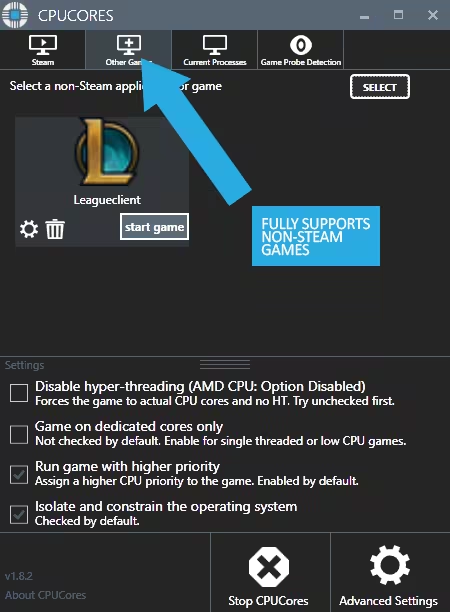
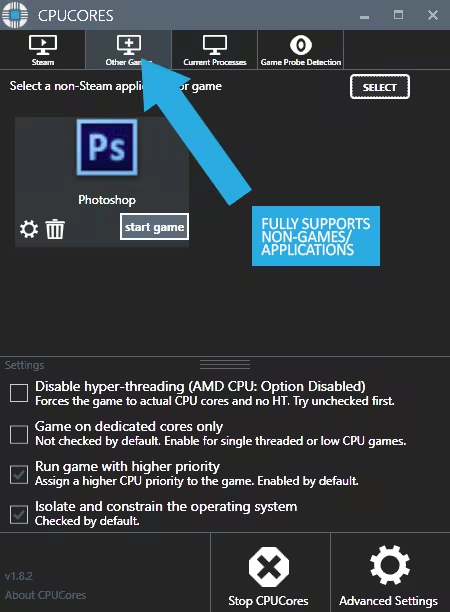
Support for non-Steam games
Support for general, non-game applications like video editing, graphic design and more!
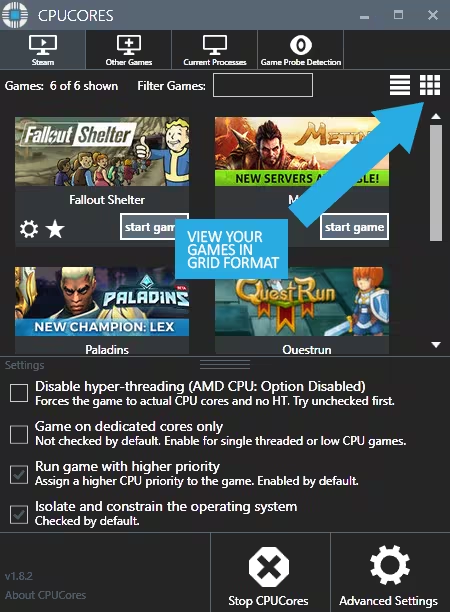
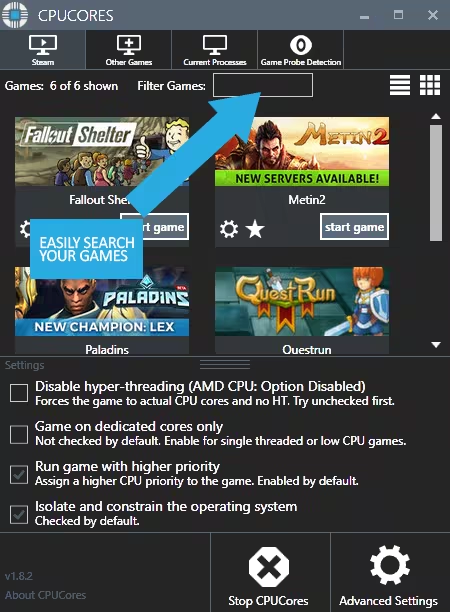
Convenient game sorting options makes large Steam libraries manageable
Incredible community surrounding the software!
Direct contact with the developer for suggestions on feature updates!
The impact of how CPUCores will help with FPS depends on essentially 2 things:
#1 Your PC Hardware
#2 The game itself
Here are some benchmarks we've recently seen from our test system:
ARMA III - 17.5% FPS Increase!
Team Fortress 2 - 58% FPS Increase!
TombRaider - 6.3% FPS Increase
Left4Dead2 - 14% FPS Increase
The CPUCores application identifies dozens of Windows programs, background processes, and non-gaming applications, and immediately controls and isolates them to a subsection of your total CPU resources.
CPUCores will then free up a block of CPU resources and dedicated it specifically for a game. You can then launch a Steam game, or any game/program, directly via the CPUCores application. This enables CPUCores to control the processor usage for that game/program and ensure it has dedicated usage to processing cores. Your game no longer has to share resources with the OS / other applications.
SCREENSHOTS
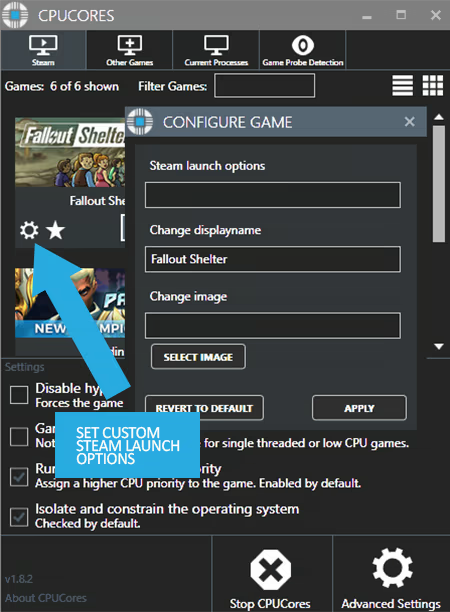
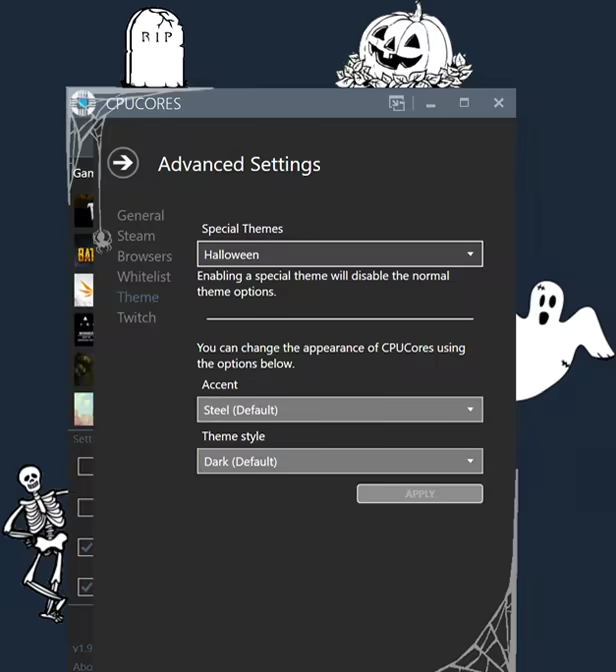
1、所有游戏一经使用将永久与您Steam平台帐号绑定,无法剥离,无法二次销售,因此售出的商品不提供任何退换货服务(包括但不限于买错游戏,配置不符,网络问题,游戏限区等)。如您对此持有异议,请勿购买。强烈建议您在购买游戏之前,先了解游戏的配置要求,语言版本,使用地区等基本信息。
2、本店只出售steam激活码,不会索要账号及密码,不会提供低价区礼物,所以请放心,不会对账号造成任何损害。如有其他人员假借平台名义索要任何账号相关内容请勿上当受骗。
3、所有激活码均为正版渠道,价格相比礼物区会贵点,不会有红号、礼物索回等风险。
4、如有其他问题或者合作建议,请与我们联系。诚邀各位游戏开发运营商、以及有推广意向的用户合作。
一、付款成功后,可在查询订单在中,提取CDK.

一、打开Steam客户端,点击右下角《添加游戏》,选择--在Steam上激活产品....

三、输入订单中的CDK,点击下一步,就可以添加入库了。





























