
Digital Deluxe Edition
About the Game

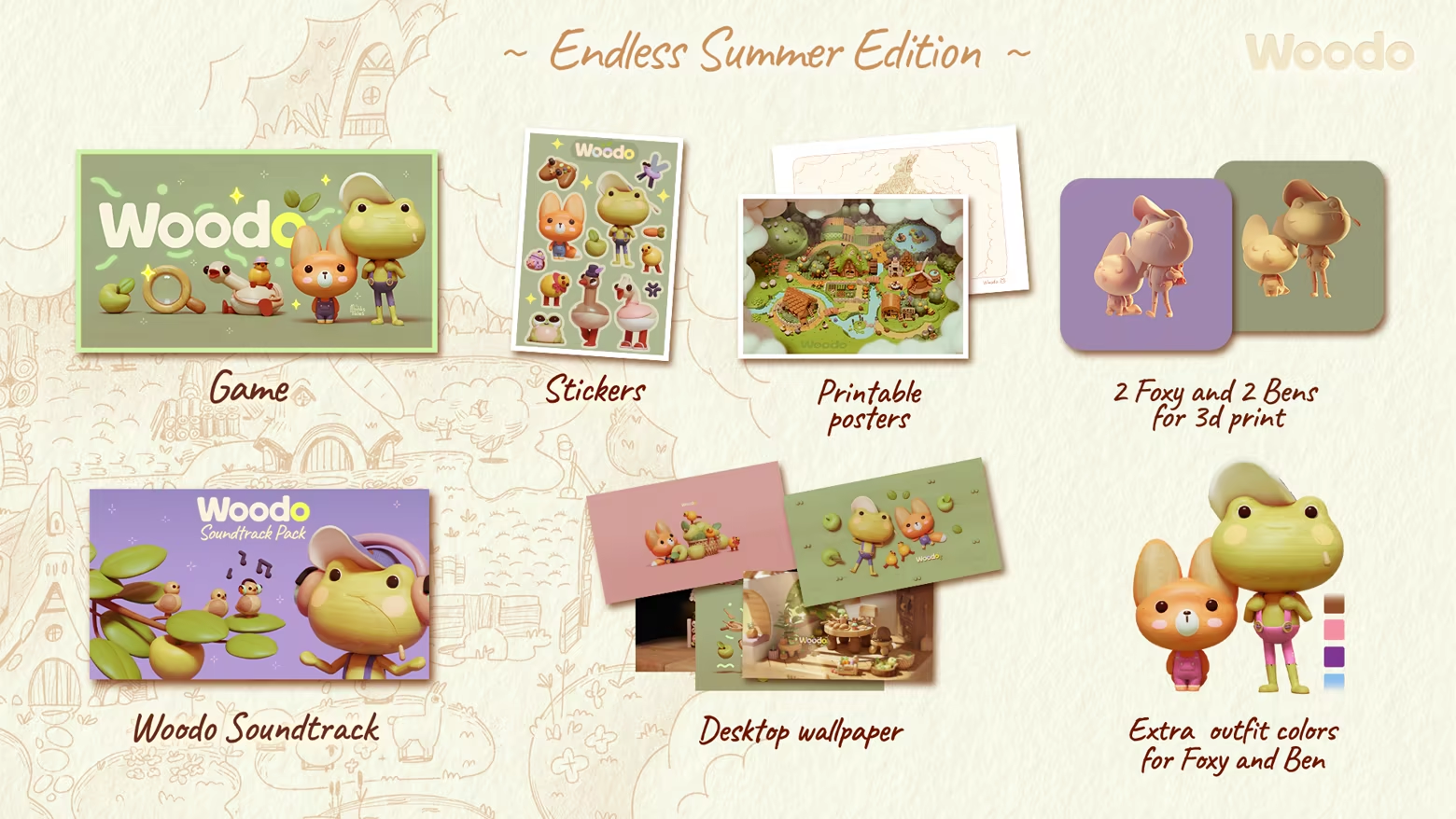
Woodo is a cozy diorama puzzle game where you assemble wooden scenes piece by piece. As you place objects in their correct spots, each scene slowly fills with color and comes to life, revealing charming animations and small surprises. Follow the story of Foxy and Ben the frog through a series of interconnected dioramas, each capturing a unique moment from their shared adventure.

Feel like you’re assembling a real toy, with each piece clicking into place with a satisfying, tactile sensation, as if it’s right in your hands.
Assembling objects isn’t linear—you have to turn and explore the 3D space to reveal hidden pieces. Watch as each piece transforms the world around you, with playful animations that react to your placements, bringing the diorama to life.

With a friendly narrator's voice, immerse yourself in a world when time was plentiful and much of it was spent outdoors, when the simplest things surprised and when every day promised great adventure. Feelings that were more present in childhood and are often missed or even forgotten with time passing.

The game features funny and charming characters that create an atmosphere of carefree joy and humor, reminding you that happiness is what your inner child needs.


- Assemble beautiful dioramas piece by piece with a unique puzzle mechanic
- The game adapts to your pace, providing assistance when you need it
- Gameplay changes to adapt the narration
- Simple but deeply meaningful story
- The comforting voice of the narrator keeps you company
- Get carried away by nostalgic feelings of when things were simple
- Plenty of funny characters and silly animations make you smile

游戏说明:
1、所有游戏一经使用将永久与您Steam平台帐号绑定,无法剥离,无法二次销售,因此售出的商品不提供任何退换货服务(包括但不限于买错游戏,配置不符,网络问题,游戏限区等)。如您对此持有异议,请勿购买。强烈建议您在购买游戏之前,先了解游戏的配置要求,语言版本,使用地区等基本信息。
2、本店只出售steam激活码,不会索要账号及密码,不会提供低价区礼物,所以请放心,不会对账号造成任何损害。如有其他人员假借平台名义索要任何账号相关内容请勿上当受骗。
3、所有激活码均为正版渠道,价格相比礼物区会贵点,不会有红号、礼物索回等风险。
4、如有其他问题或者合作建议,请与我们联系。诚邀各位游戏开发运营商、以及有推广意向的用户合作。
激活步骤:
一、付款成功后,可在查询订单在中,提取CDK.

一、打开Steam客户端,点击右下角《添加游戏》,选择--在Steam上激活产品....

三、输入订单中的CDK,点击下一步,就可以添加入库了。





























