
Songs of Skydale is an adventure game with hack-and-slash combat and RPG elements. The game starts with a classic adventure game opening when a player arrives at the Kingdom of Skydale with the hope of a new beginning for his life. Straight away, the player gets involved in various events and quests in the Kingdom of Skydale. As the game progress, the player faces different characters, items, enemies, dungeons and even some puzzles!
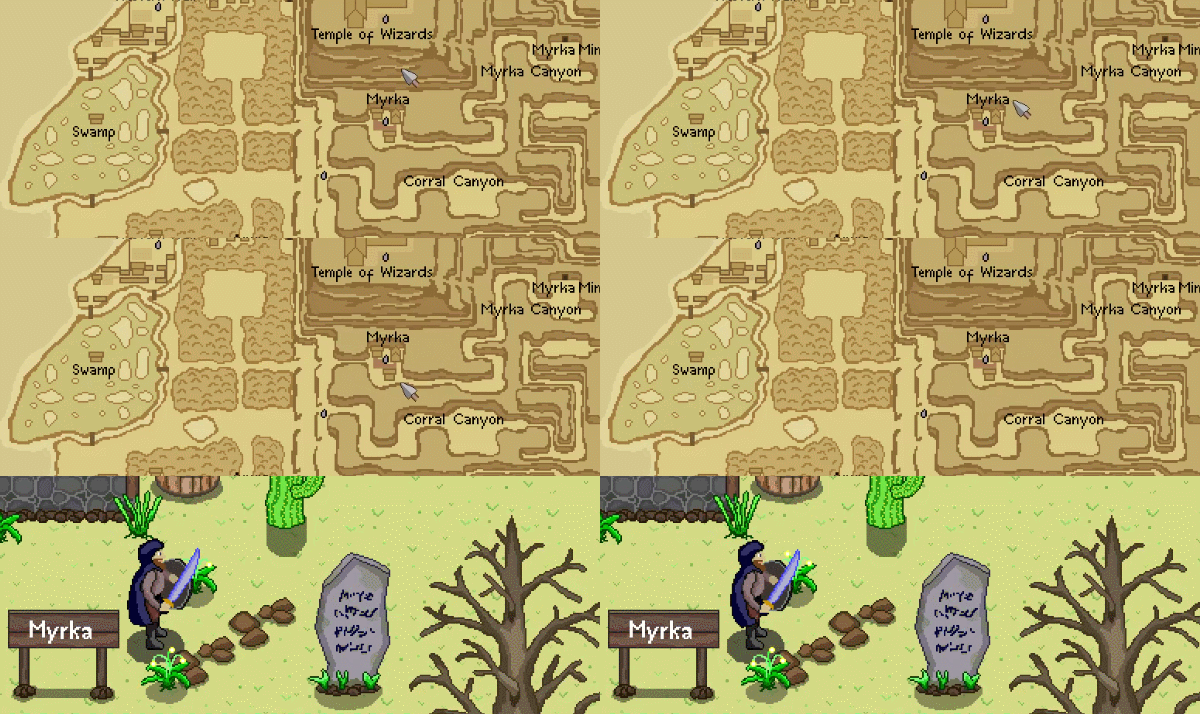
Songs of Skydale is a game by a player for players. The idea of the game is to give players a sense of adventure without too much hand-holding, so be prepared! When adventuring through the lands of Skydale, players must navigate using paper maps and information provided by the quest givers. If players enter uninhabited areas, they must be ready to fight against various enemies and survive until they can reach the next safe area.
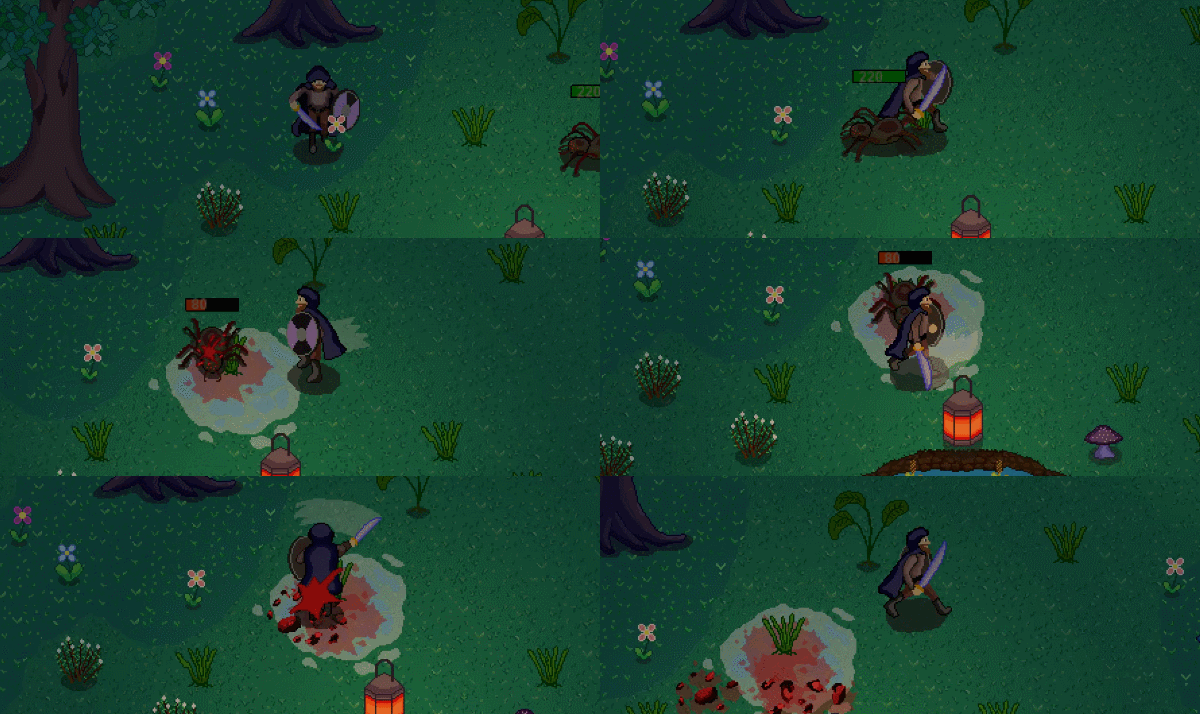
The game offers fast-paced hack-and-slash style combat, which is strongly based on player skill. Correctly timed attacks, blocks and dodges are the keys to success. Combat is supported by skills and items designed to have very little restrictions. There are no classes in the game—players can choose skills freely from 19 different options. Players can choose to be a warrior, tank, mage, assassin or any mix of these. The skill system, combined with various items that can be found or purchased, gives players numerous options to shape the character stats to their liking.
KEY FEATURES
Game Time: 6–15 hours
Adventure RPG
Open world
Hack-and-slash style combat
25 different quests
12 different dungeons
61 different items
14 passive skills
5 spells
Paper maps
Quick save/load
Remappable Controls
游戏说明:
1、所有游戏一经使用将永久与您Steam平台帐号绑定,无法剥离,无法二次销售,因此售出的商品不提供任何退换货服务(包括但不限于买错游戏,配置不符,网络问题,游戏限区等)。如您对此持有异议,请勿购买。强烈建议您在购买游戏之前,先了解游戏的配置要求,语言版本,使用地区等基本信息。
2、本店只出售steam激活码,不会索要账号及密码,不会提供低价区礼物,所以请放心,不会对账号造成任何损害。如有其他人员假借平台名义索要任何账号相关内容请勿上当受骗。
3、所有激活码均为正版渠道,价格相比礼物区会贵点,不会有红号、礼物索回等风险。
4、如有其他问题或者合作建议,请与我们联系。诚邀各位游戏开发运营商、以及有推广意向的用户合作。
激活步骤:
一、付款成功后,可在查询订单在中,提取CDK.

一、打开Steam客户端,点击右下角《添加游戏》,选择--在Steam上激活产品....

三、输入订单中的CDK,点击下一步,就可以添加入库了。