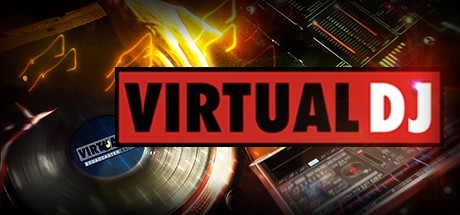
VirtualDJ is revolutionary software which allows audio and video mixing right from a computer. VirtualDJ is simple and intuitive to use but do not be fooled — there are many advanced features to explore and customize.
VirtualDJ features everything you need for imaginative performance and mixing:
VirtualDJ features everything you need for imaginative performance and mixing:
- Two virtual decks for loading audio and video tracks, short clips and karaoke
- Extensive browsing functions utilizing ID3 tag and custom information fields
- Comprehensive mixer with all the features that you would expect from a traditional mixer (EQ, gain, crossfader)
- Audio and video effects processors
- Linking video to audio tracks for pre-selected visual enhancement to the audio
- Sampler for recording and playing back audio clips on the fly
- ClipBank for playing back video clips on the fly
- Smart and User-Defined (IN/OUT) Looping engine
- Real-time recording of your mixes ( Audio and Video )
- Real-time webcasting of your sessions
- Analysis of Beats Per Minute (BPM) and Key detection for Harmonic Mixing
- Automatic beat matching for quick mixing
- Computer Beat Grid for easy visual mixing
- Dynamic Hot Cue points
游戏说明:
1、所有游戏一经使用将永久与您Steam平台帐号绑定,无法剥离,无法二次销售,因此售出的商品不提供任何退换货服务(包括但不限于买错游戏,配置不符,网络问题,游戏限区等)。如您对此持有异议,请勿购买。强烈建议您在购买游戏之前,先了解游戏的配置要求,语言版本,使用地区等基本信息。
2、本店只出售steam激活码,不会索要账号及密码,不会提供低价区礼物,所以请放心,不会对账号造成任何损害。如有其他人员假借平台名义索要任何账号相关内容请勿上当受骗。
3、所有激活码均为正版渠道,价格相比礼物区会贵点,不会有红号、礼物索回等风险。
4、如有其他问题或者合作建议,请与我们联系。诚邀各位游戏开发运营商、以及有推广意向的用户合作。
激活步骤:
一、付款成功后,可在查询订单在中,提取CDK.

一、打开Steam客户端,点击右下角《添加游戏》,选择--在Steam上激活产品....

三、输入订单中的CDK,点击下一步,就可以添加入库了。